
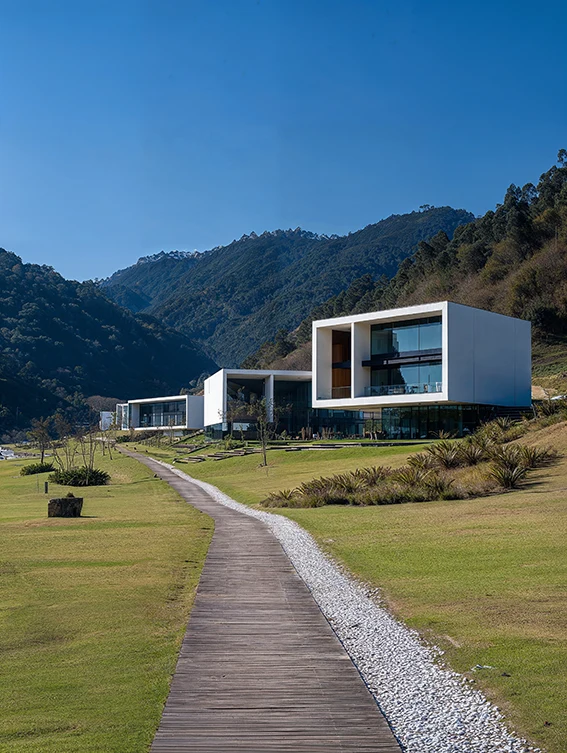
Upscale Architectural
Renders in Seconds
Increase resolution up to 8×, recover fine details, sharpen textures and prepare renders for presentations, competitions and print — without re-rendering.
Why Re-Render When You Can Upscale?
Low Res Render
AI Upscaler
Presentation Ready
Re-rendering takes hours
High-resolution renders increase render time dramatically.
Deadlines don't wait
Clients often need updates the same day.
Hardware costs money
More pixels usually mean more GPU resources.
Upscale Any Architectural Render in 3 Steps
STEP 1
Upload your imageUpload
your image
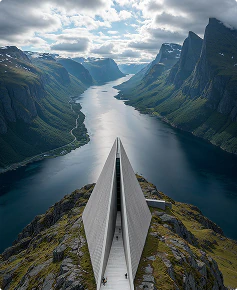
STEP 2
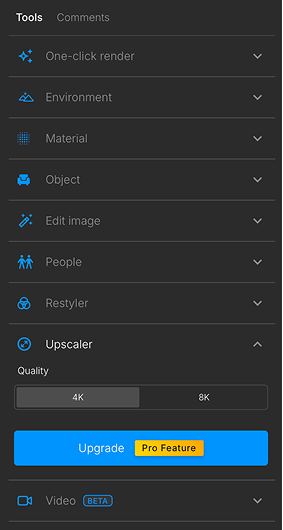
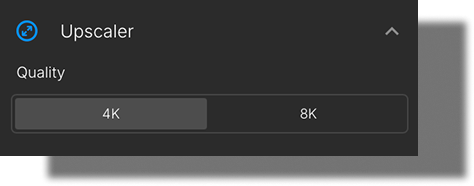
Choose upscale factor
4x, 8x
STEP 3
Choose your
upscaling mode
Use Precise Upscaling for pixel-accurate results or Creative Upscaling to subtly enhance textures, materials, and fine details.
STEP 4
Download
enhanced render
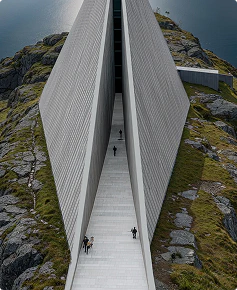
Designed Specifically for Architectural Visualization

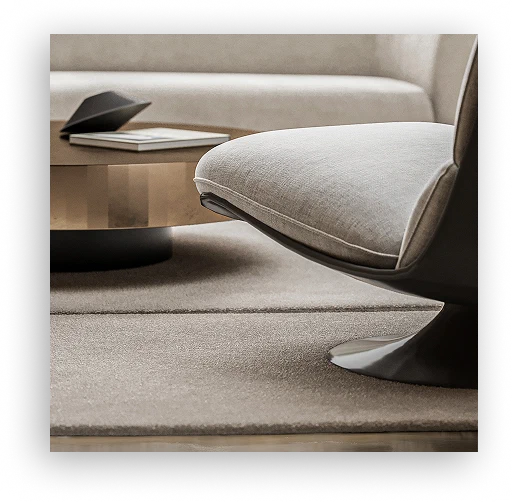
Sharper Textures
Brick, wood, concrete and fabric details become clearer.
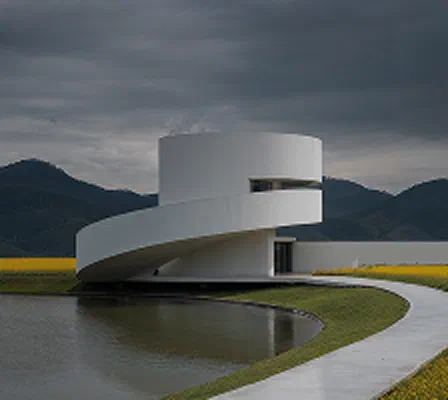
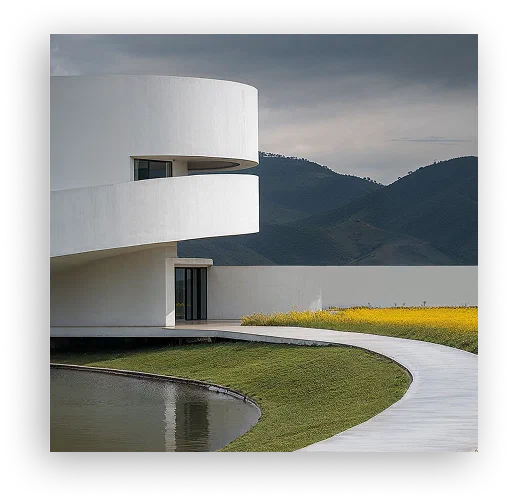
Cleaner Geometry
Preserve edges, lines and architectural forms.
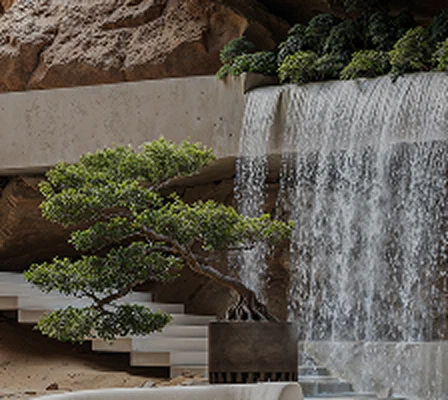
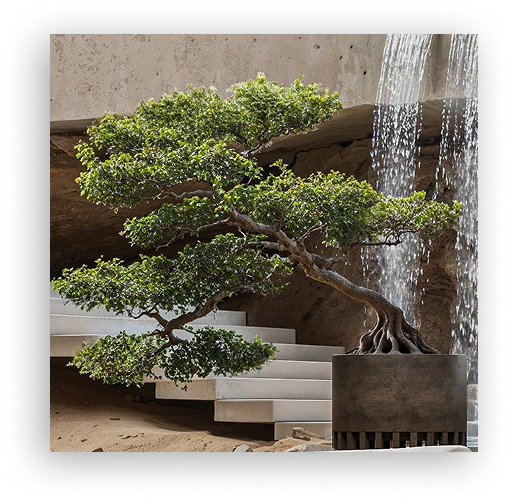
Better Vegetation
Trees and plants appear more detailed and natural.
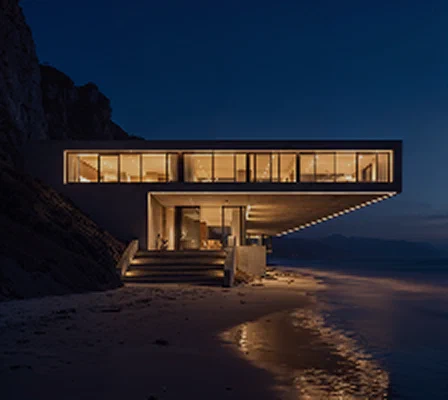
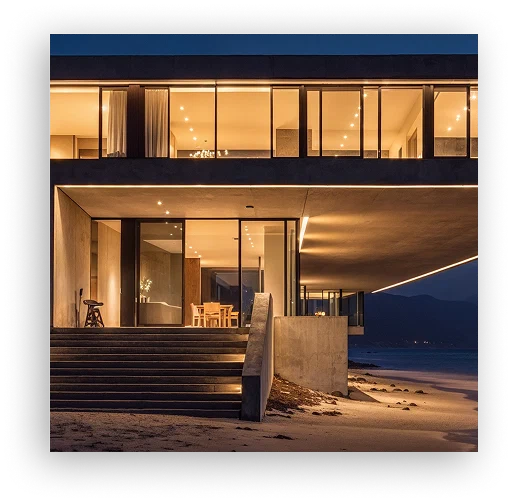
Improved Lighting
Enhance shadows and lighting transitions.
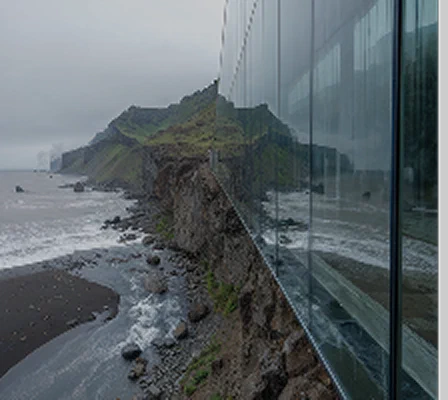
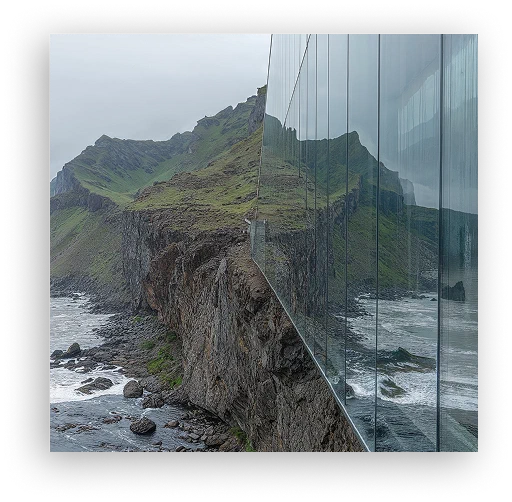
Higher Resolution
Prepare visuals for large-format presentation boards.

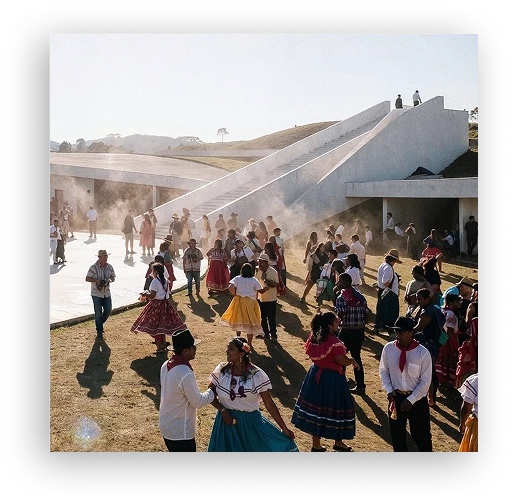
Print Ready Output
Perfect for competitions, portfolios and client reviews.
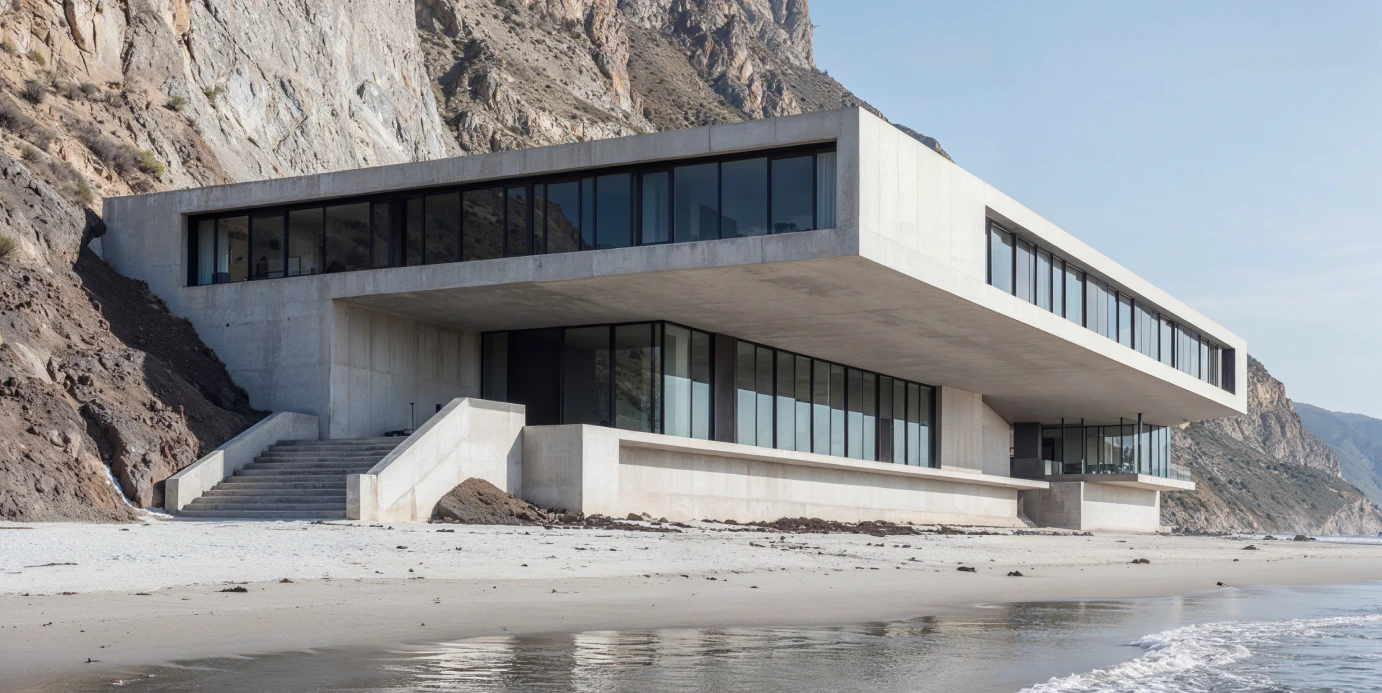
See The Difference
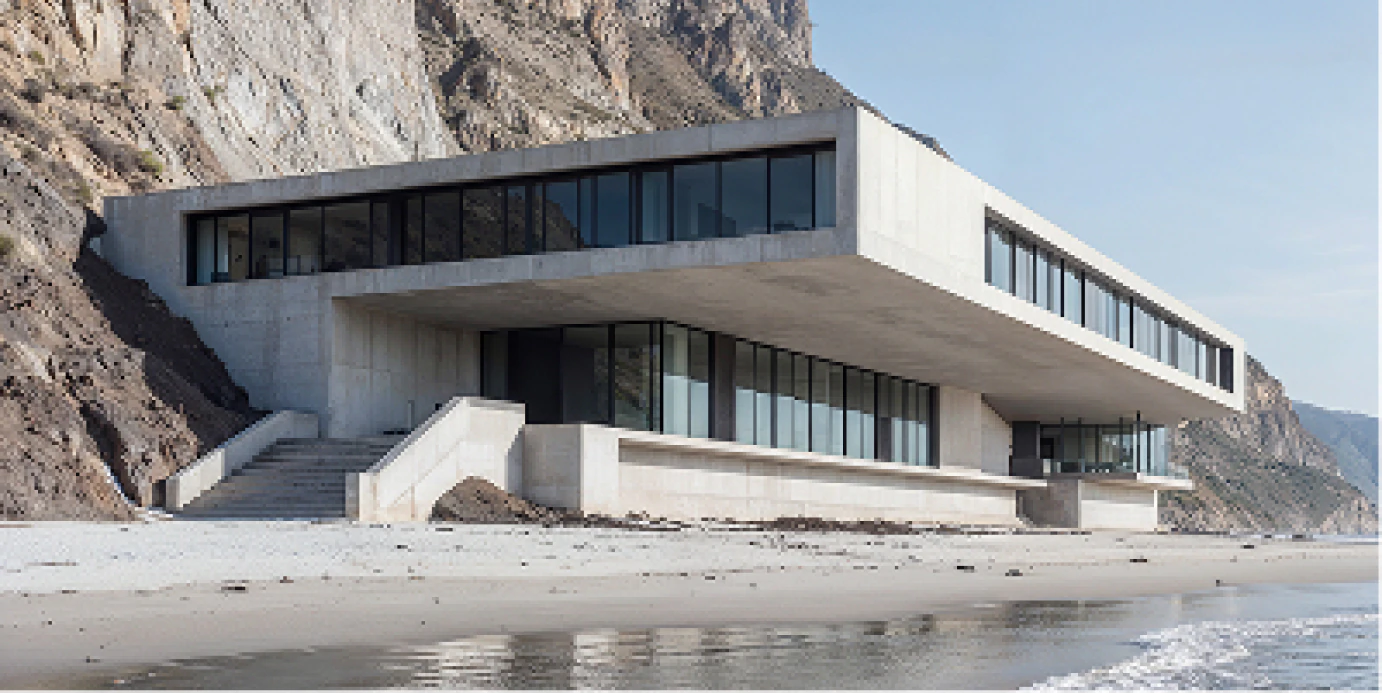
Built For Every Architectural Workflow

Client
PresentationsClient Presentations
Deliver sharper visuals.

Competition
BoardsCompetition Boards
Prepare large-format graphics.

Marketing
MaterialsMarketing Materials
Create brochure-ready imagery.

Real
EstateReal Estate Marketing
Enhance listing visuals.

Design
ReviewsDesign Reviews
Improve clarity for stakeholders.

Portfolio
ProjectsPortfolio Projects
Show your work at its best.
Traditional Workflow
vs AI Upscaling

 Re-render scene
 Upload imageWait hoursminutesMore GPU usageNo additional renderingLarge filesSimple workflowComplex setupOne click
Works With Your Existing Workflow









FAQ
What is an AI image upscaler?

An AI image upscaler increases image resolution while preserving and enhancing visual details. Unlike traditional resizing, it uses AI to reconstruct textures, edges and fine architectural elements.
How does AI upscaling work?
The model analyses architectural forms and texture context, then reconstructs additional detail while increasing the output resolution.
Can I upscale architectural renders?
Yes. AlphaRender is tuned for exterior, interior, residential, commercial and landscape visualization.
Does upscaling improve image quality?
It can recover perceived detail, sharpen edges and reduce low-resolution softness without requiring another render.
Can I use upscaled renders for print?
Yes. Higher-resolution output is suitable for presentation boards, portfolios, competitions and print materials.
What file formats are supported?
Common architectural image formats including JPG and PNG are supported in the AlphaRender app.
Is upscaling better than re-rendering?
For final geometry or lighting changes, re-rendering is still appropriate. For fast resolution and detail enhancement, upscaling is dramatically quicker.
How much can I upscale an image?
You can increase output resolution up to 8×, depending on the source image and selected workflow.
Will upscaling preserve architectural details?
The workflow is designed to preserve straight edges, material boundaries, vegetation and lighting transitions.
Can I upscale renders from V-Ray, Corona, Lumion, Enscape, or D5?
Yes. The upscaler works with exported render images regardless of the rendering engine used to create them.
Why use an AI upscaler instead of rendering at a higher resolution?
It avoids another long render, extra GPU usage and a heavier production workflow when the design itself is already approved.
Is AlphaRender an AI upscaler for architects?
Yes. AlphaRender is built specifically around architectural visualization workflows.
Turn Low-ResolutionRenders IntoHigh-Impact Visuals
Upscale architectural renders in seconds and deliver presentation-ready images faster.
Upscale Image